Disposable Windows, on your Mac
macSandbox for Windows brings the Windows Sandbox experience to Apple Silicon Macs: boot a throwaway Windows 11 ARM64 environment in seconds, use it like a normal desktop inside the app, and have every change discarded on exit.
How it works
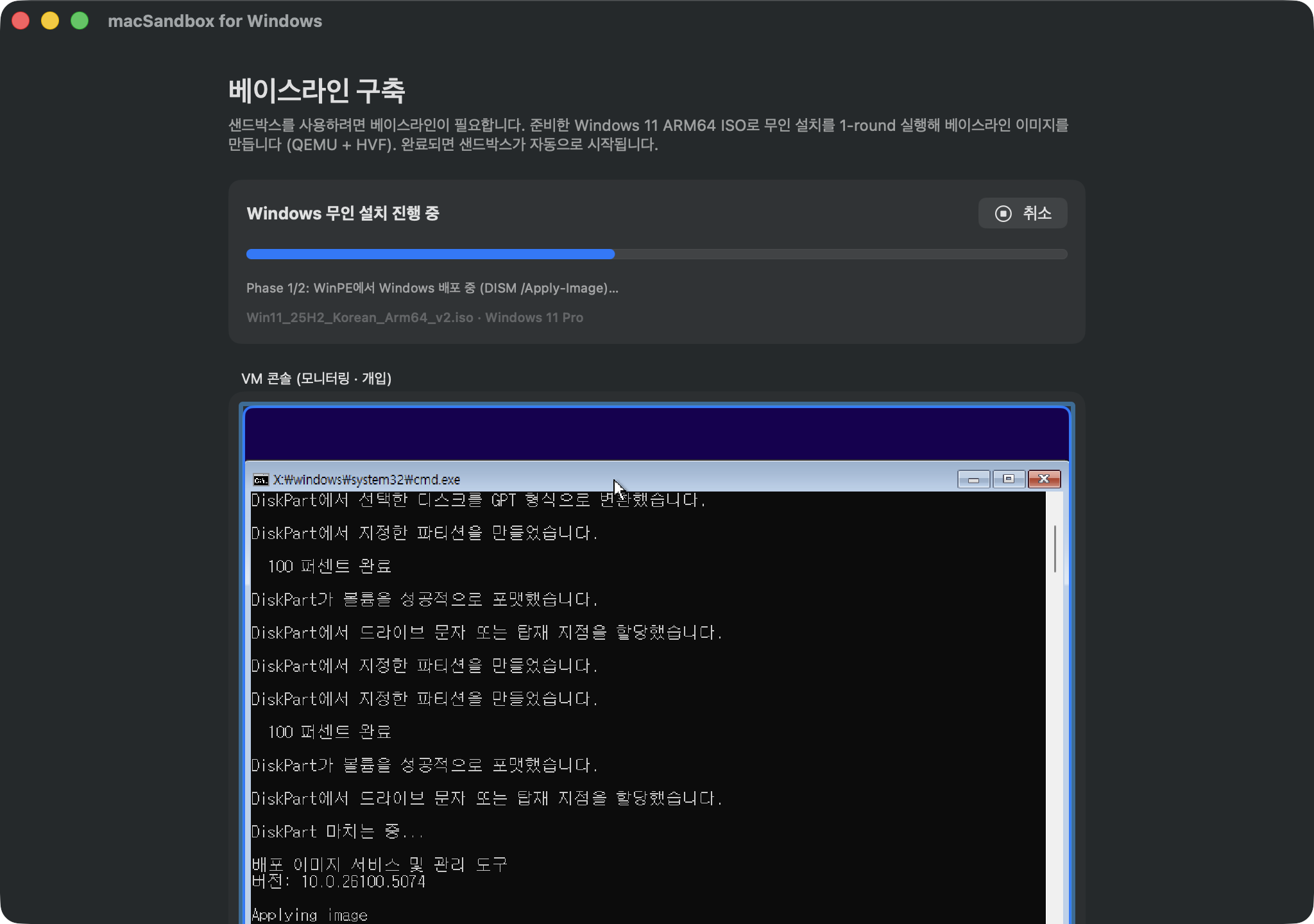
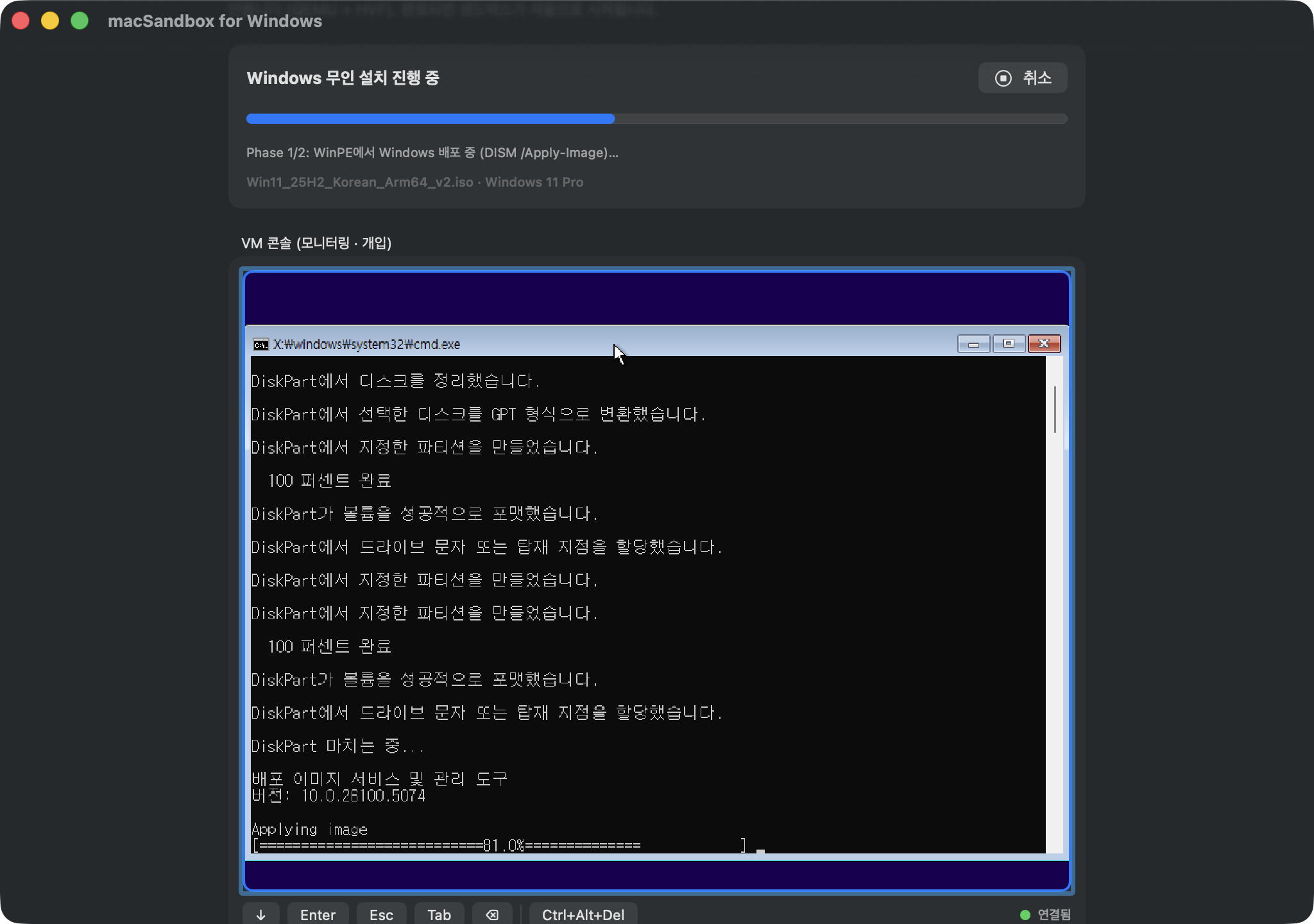
- Build a base image once — point the app at your own Windows 11 ARM64 ISO. A fully unattended, deterministic WinPE + DISM deployment installs Windows with virtio drivers injected, Microsoft Edge’s first-run experience disabled, and inbox bloatware (games, media utilities, promos) removed. No clicks, no prompts.
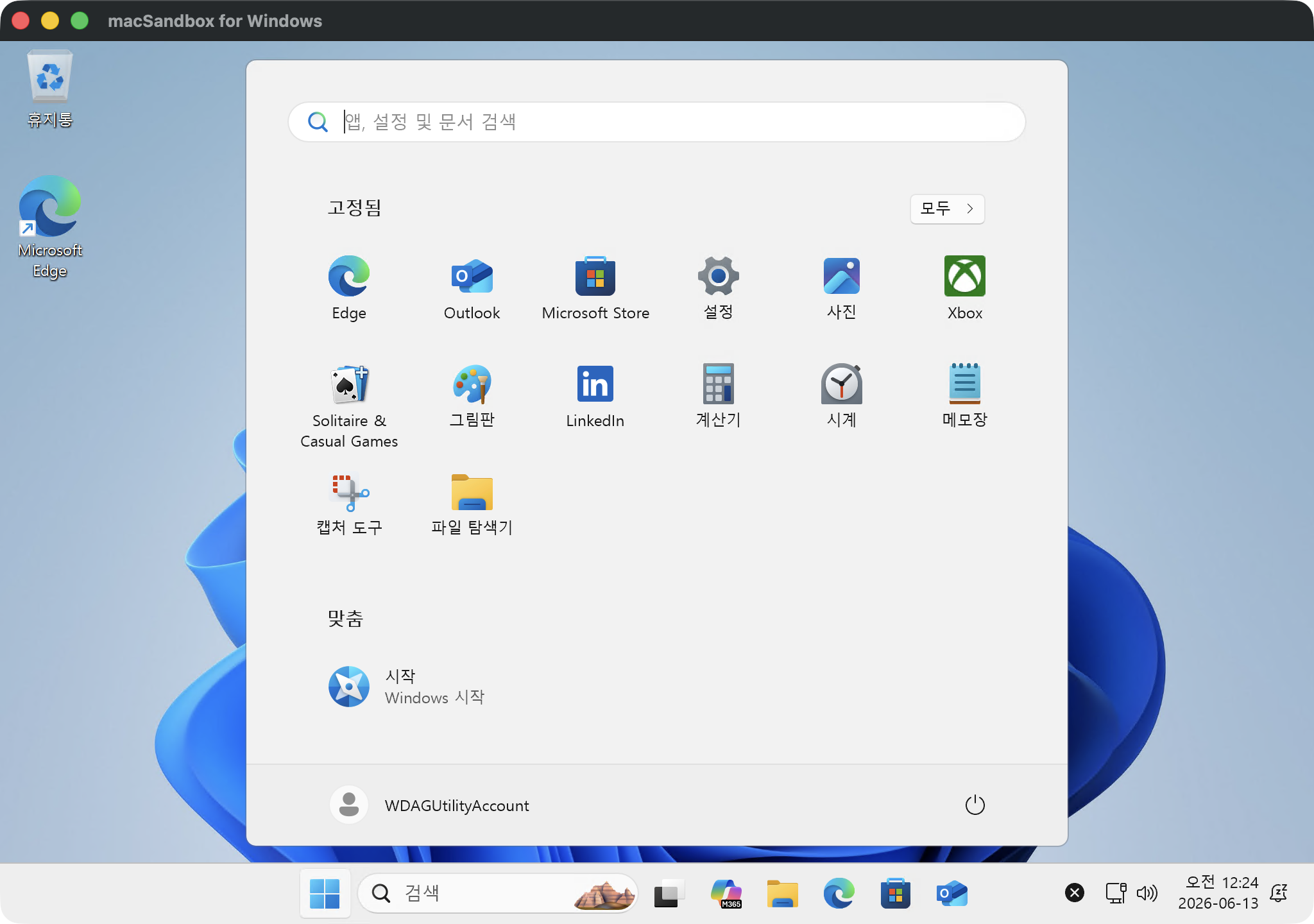
- Launch disposable sandboxes — each session boots a copy-on-write overlay on QEMU + Hypervisor.framework, and connects automatically to an in-app RDP view (libfreerdp) for crisp HiDPI display, trackpad scrolling, pinch-to-zoom, clipboard, shared folders, printing, and audio.
- Close the window — the overlay is destroyed. Nothing persists.
Highlights
| 🗑 Disposable | Fresh Windows every launch; changes never persist |
⚙️ .wsb compatible |
Reuses the Windows Sandbox configuration schema — memory, CPU, networking, mapped folders, logon command |
| 📋 Deep integration | Two-way text & file clipboard, \\tsclient folder auto-mount, CUPS printer redirection, speaker/microphone |
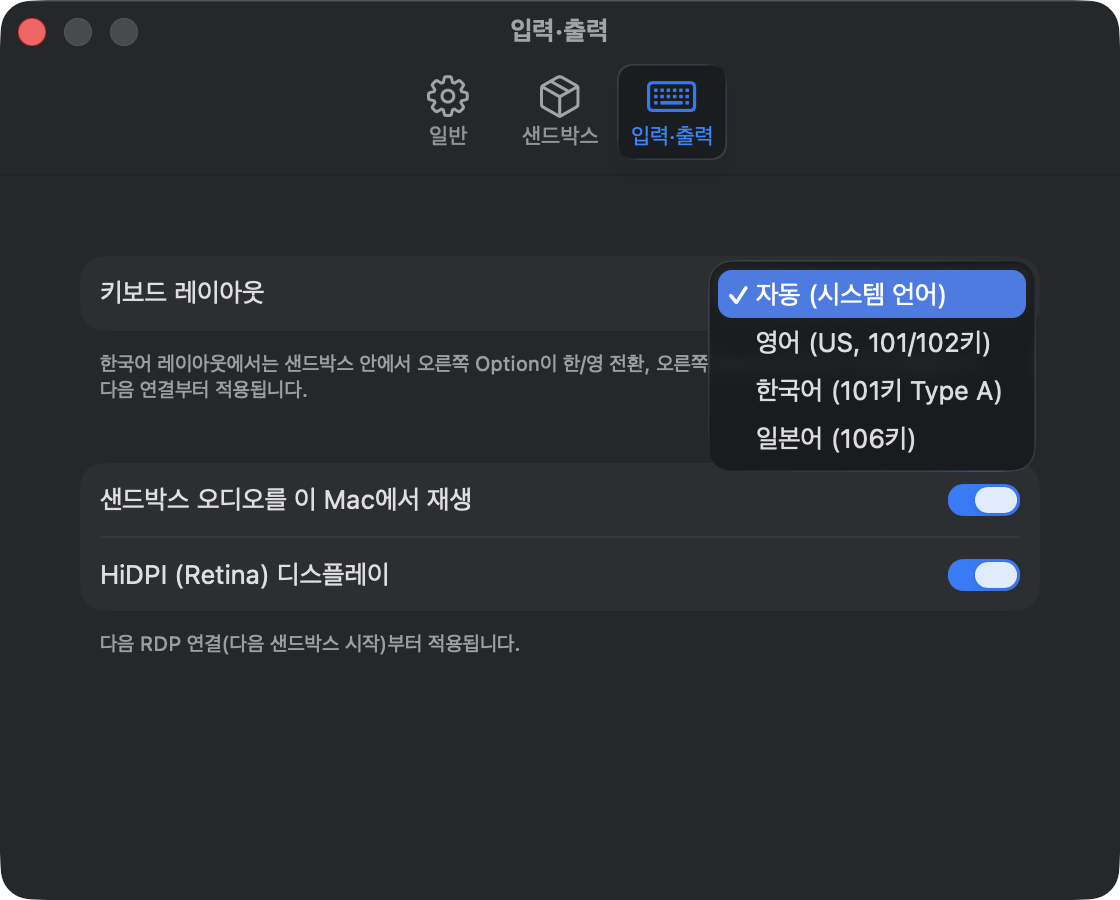
| 🌐 Localized | English · 한국어 · 日本語 · Deutsch · Español · Français, with Korean/Japanese keyboard handling (right Option = 한/영) |
| 🧾 License-aware | Ships no Windows OS or keys; a licensing checklist is confirmed before every base image build |
Screenshots
 |
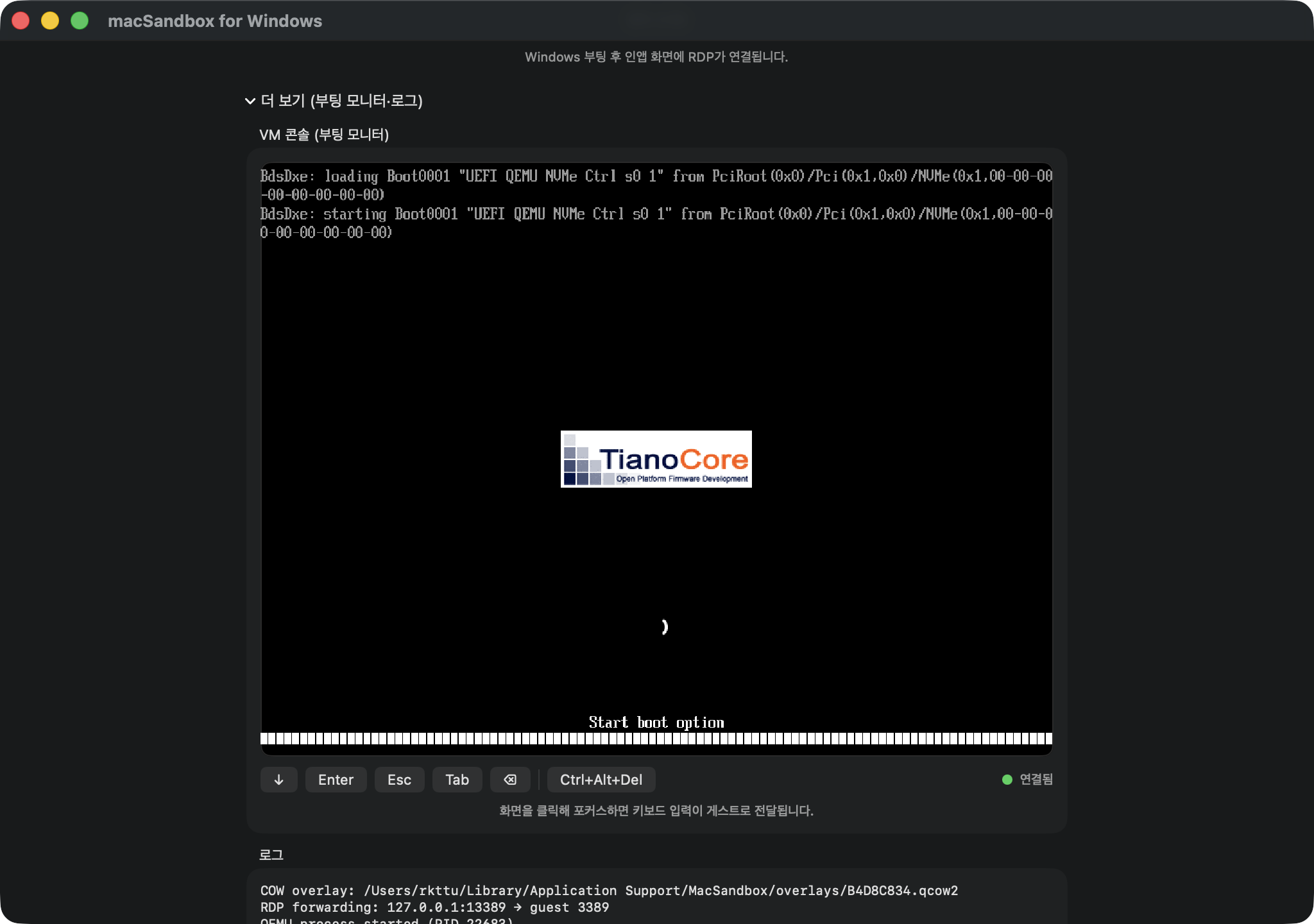 |
| Fully unattended installation — watch it, never click it | Boot monitor with live diagnostics |
 |
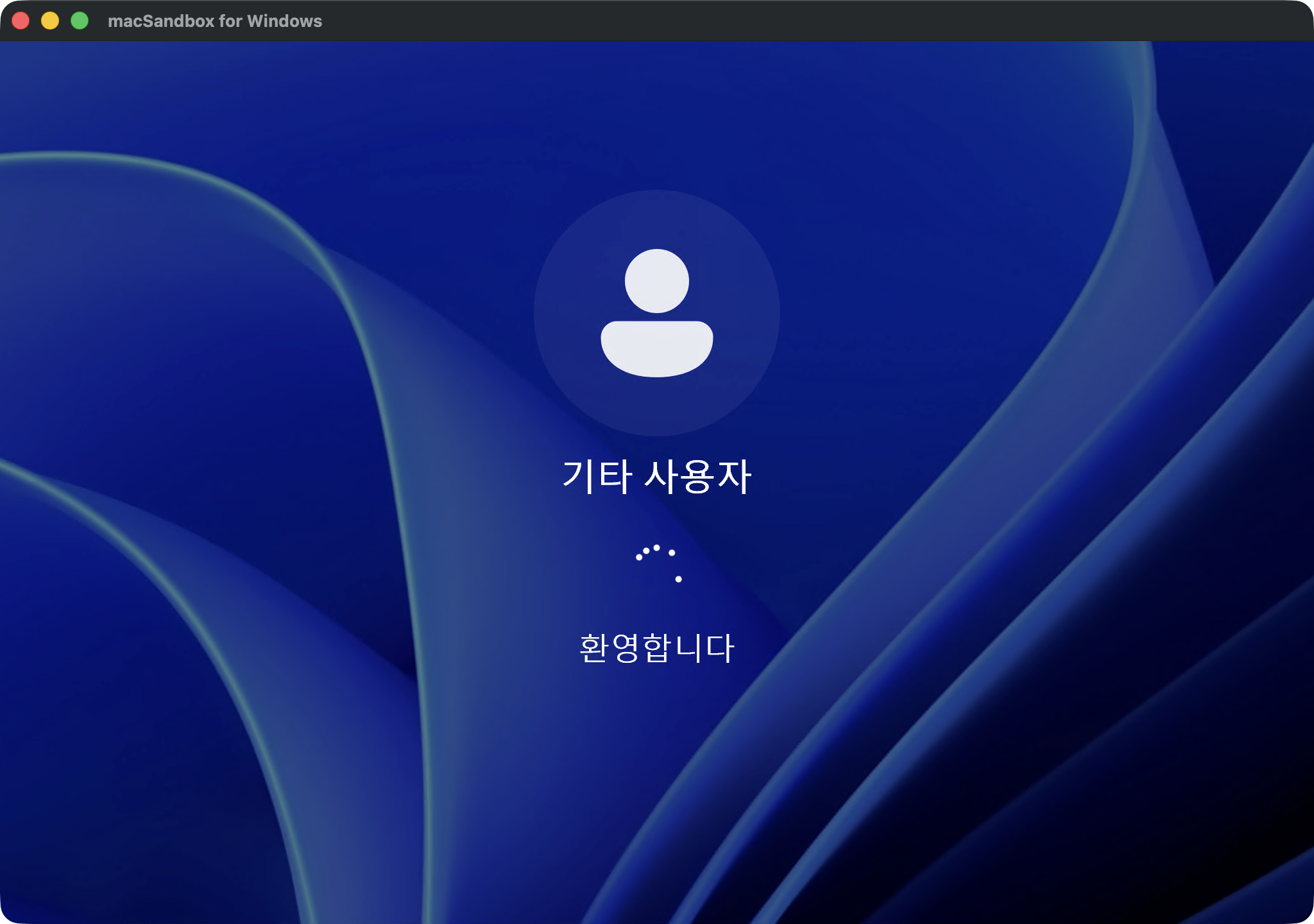 |
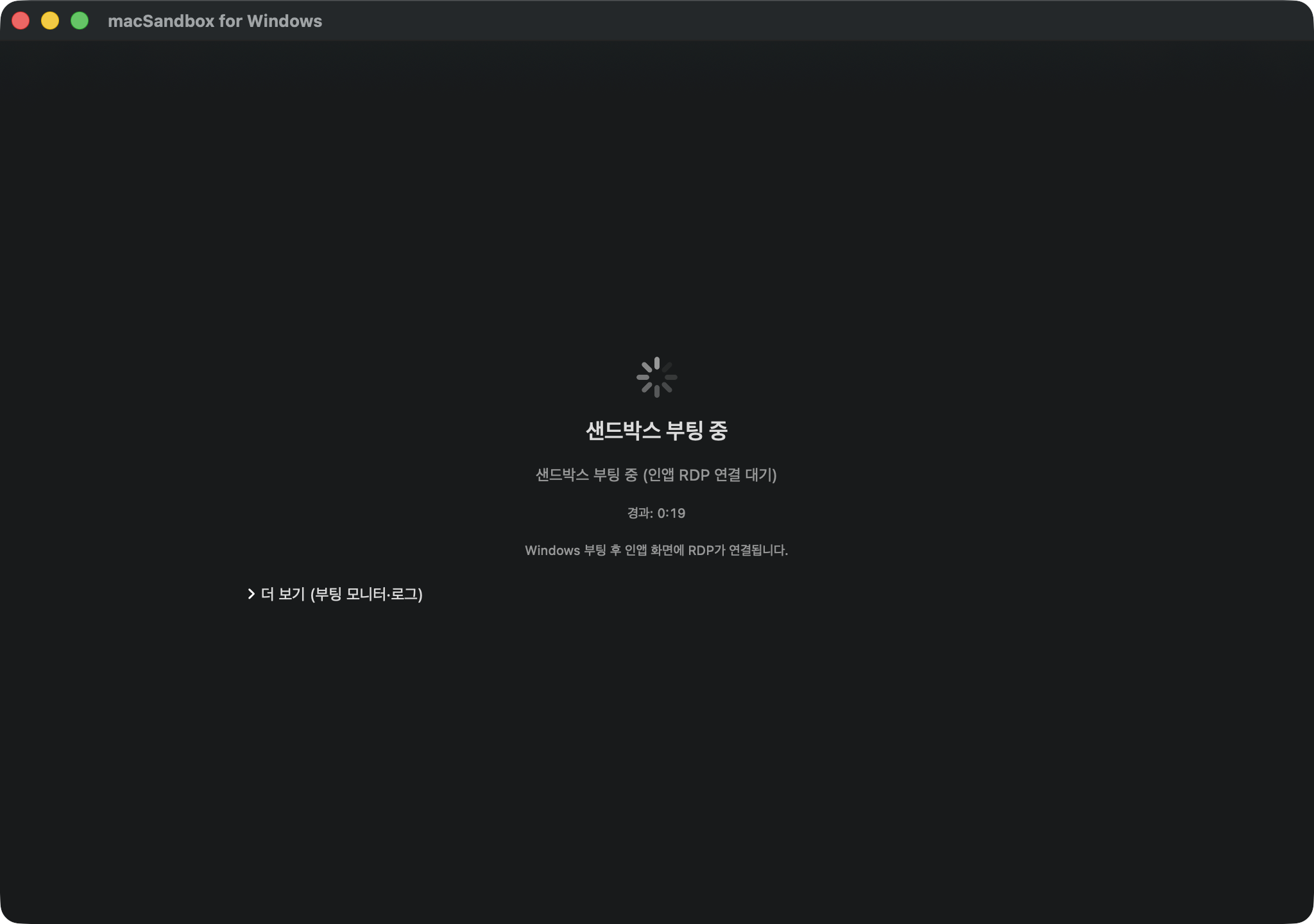
| Booting a fresh disposable sandbox | Automatic sign-in to the in-app RDP session |
 |
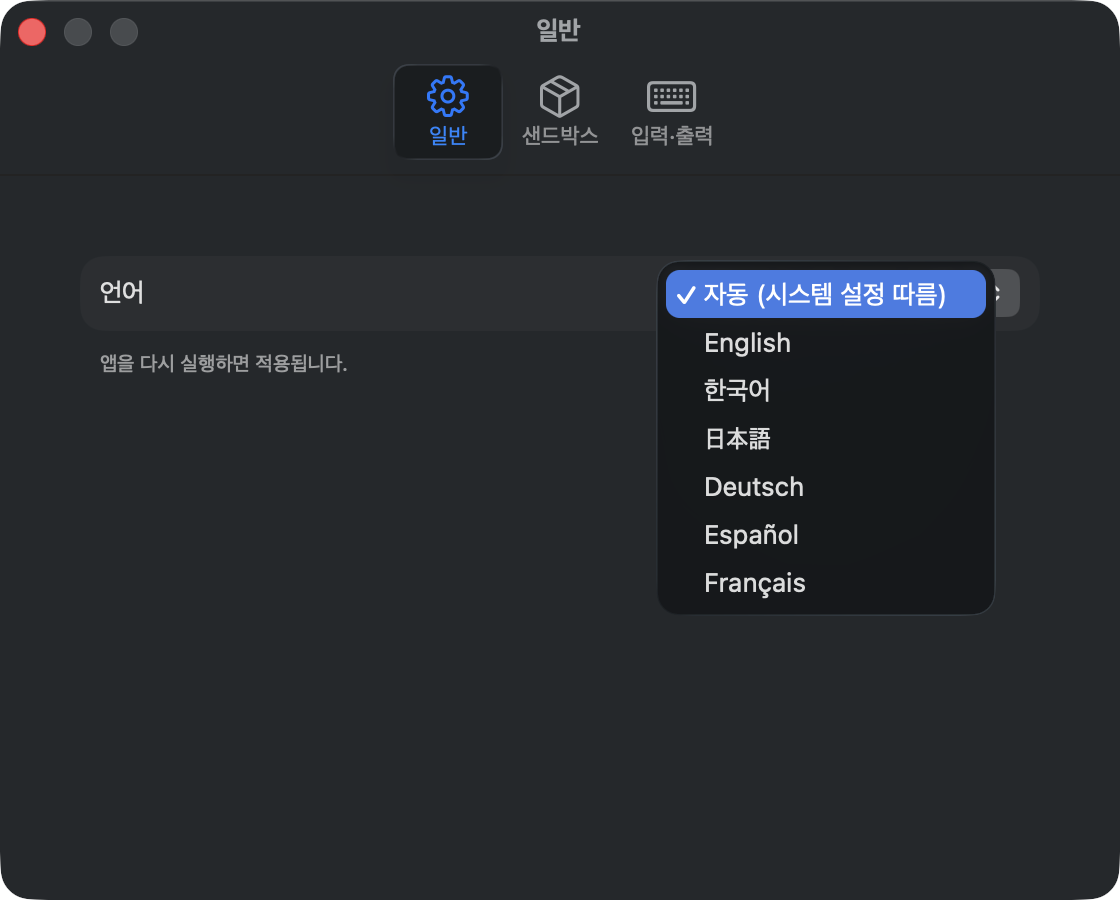 |
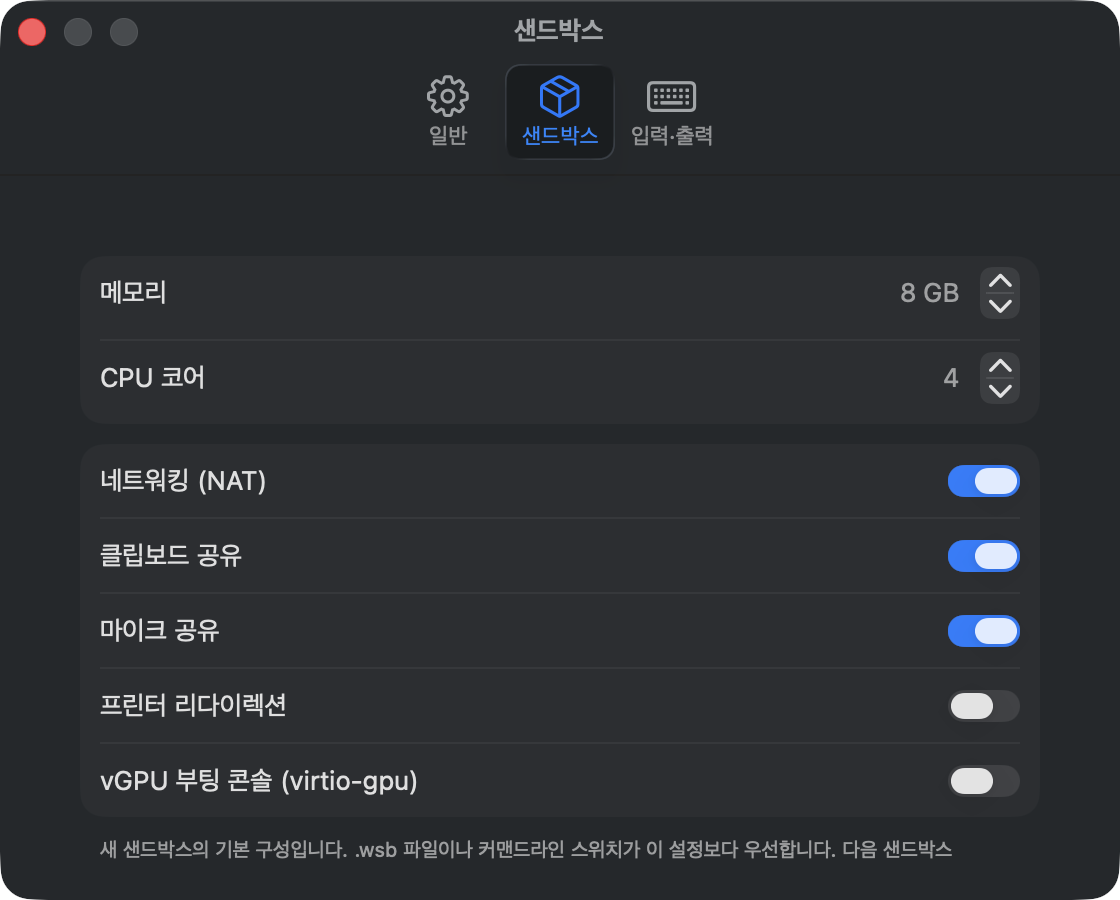
| Per-sandbox defaults: memory, CPU, redirections | Six display languages, following your system |
 |
|
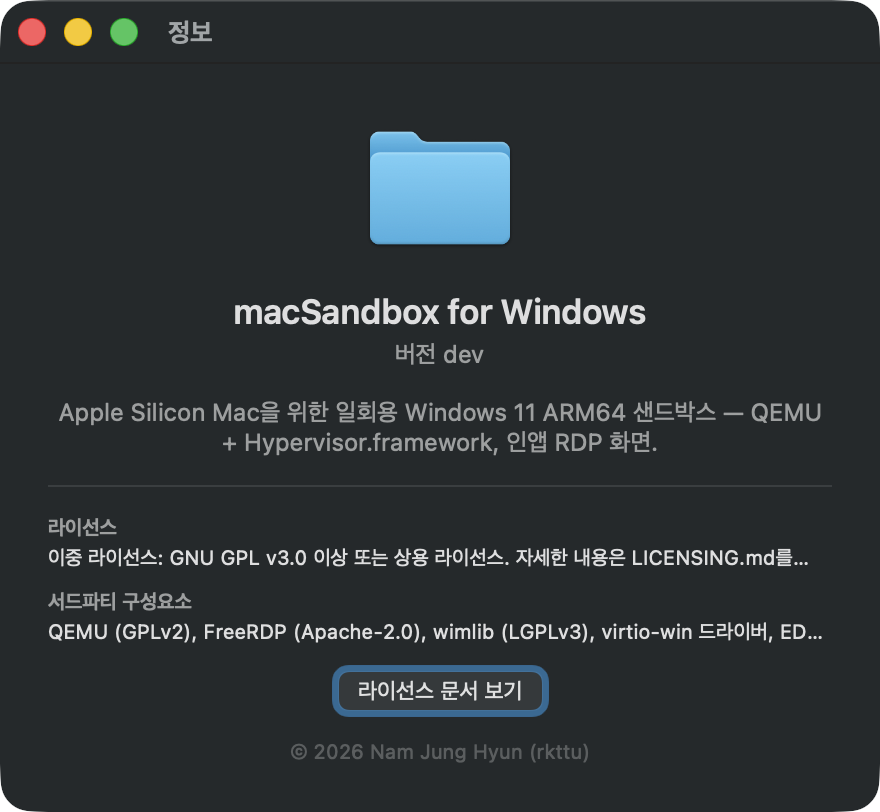
| Dual licensing, third-party notices at a glance |
Get started
brew install freerdp wimlib
git clone https://github.com/yourtablecloth/macSandbox.git
cd macSandbox
swift build && .build/debug/MacSandbox
Requirements: Apple Silicon Mac, macOS 14+, your own licensed Windows 11 ARM64 ISO, ~24 GB free disk space for the one-time baseline build.
See the Help guide for day-to-day usage, the
README for packaging
(scripts/package_app.sh) and command-line switches, and the
architecture guide.
Licensing
Dual-licensed: GNU AGPL-3.0-or-later (open-source edition) or a commercial license — see LICENSING.md. Bundled QEMU, EDK2 firmware and linked FreeRDP remain under their own licenses.
macSandbox for Windows does not include Windows. You must provide your own Windows 11 ARM64 ISO and hold a valid license for each Windows instance you run. This is an independent project, not affiliated with or endorsed by Microsoft. Windows is a trademark of the Microsoft group of companies.
Support
Bug reports and feature requests are accepted only via GitHub Issues — there is no e-mail support channel.